> For the complete documentation index, see [llms.txt](https://docs.didforsale.com/llms.txt). Markdown versions of documentation pages are available by appending `.md` to page URLs; this page is available as [Markdown](https://docs.didforsale.com/didforsale-portal/phone-numbers/port.md).
# Porting
Consists of port orders, Porting information like details about portability. You can place an order for a new port, toll-free port or check your portability.
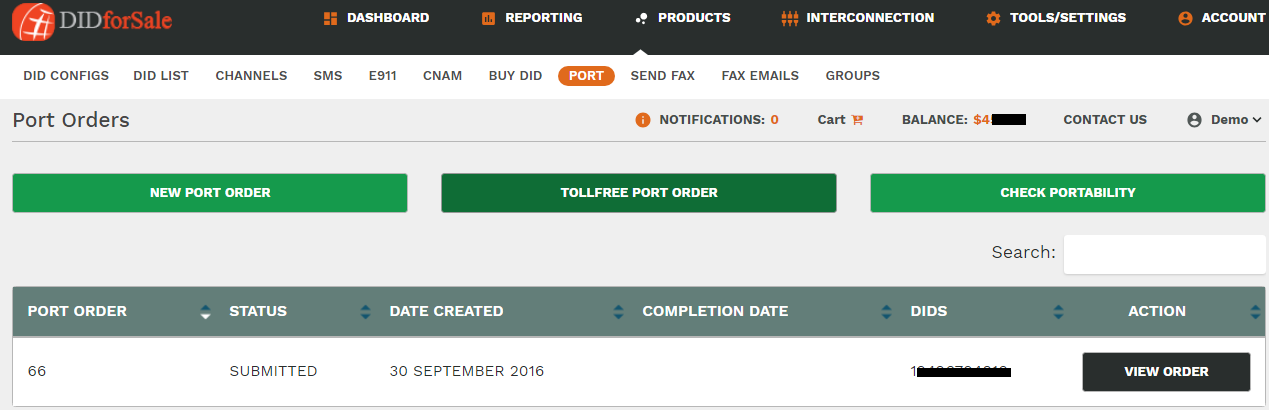
**NEW PORT ORDER :** Here you can place a new port request. The new window which opens once you click on NEW PORT ORDER button will look like as below:
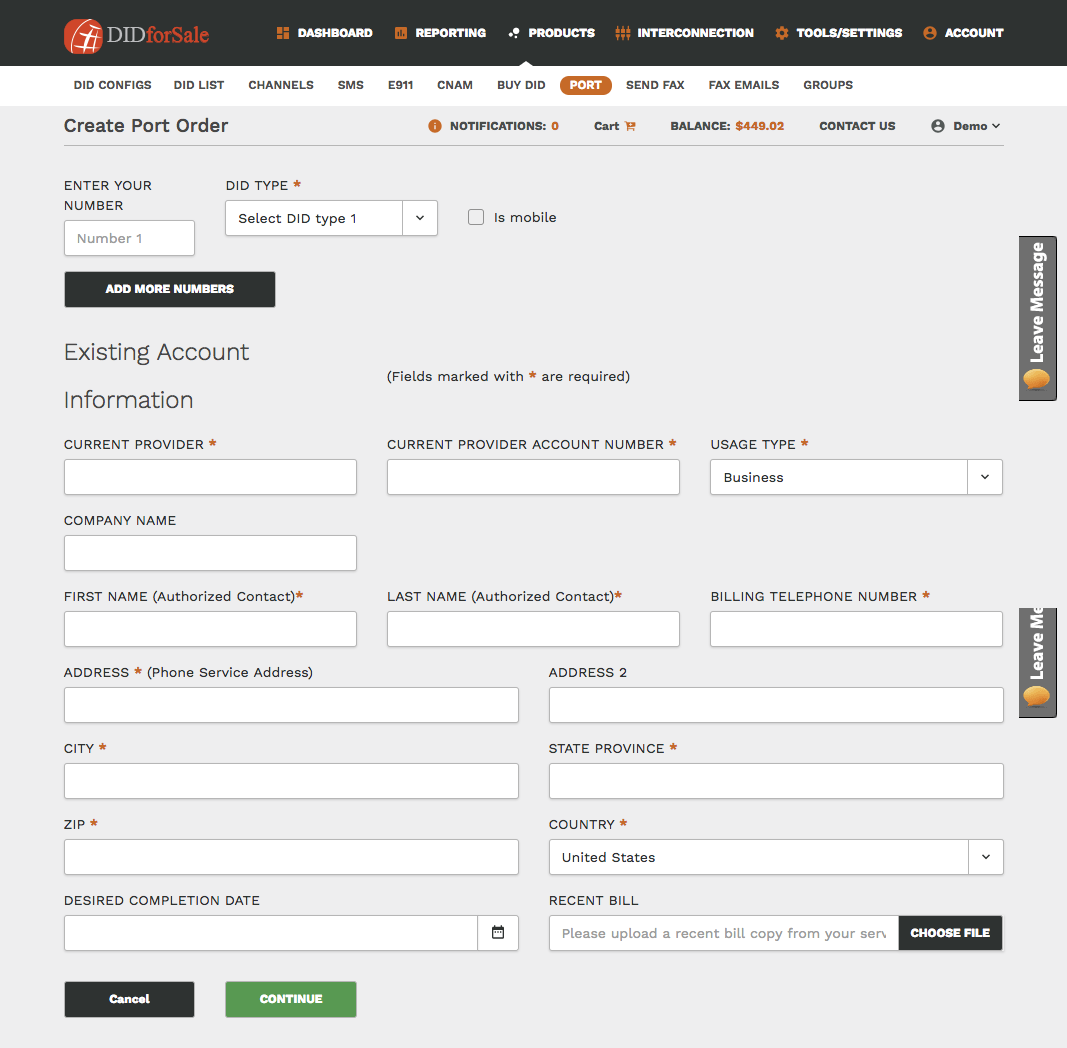
Fill in the details and click on **continue.**
**Toll Free Port Order:** Submit port for your Toll-Free number here.
**Check Portability:** Check if the Phone Number that you would like to port is portable or not.
Follow this link for a detailed video explanation: